Challenge Field
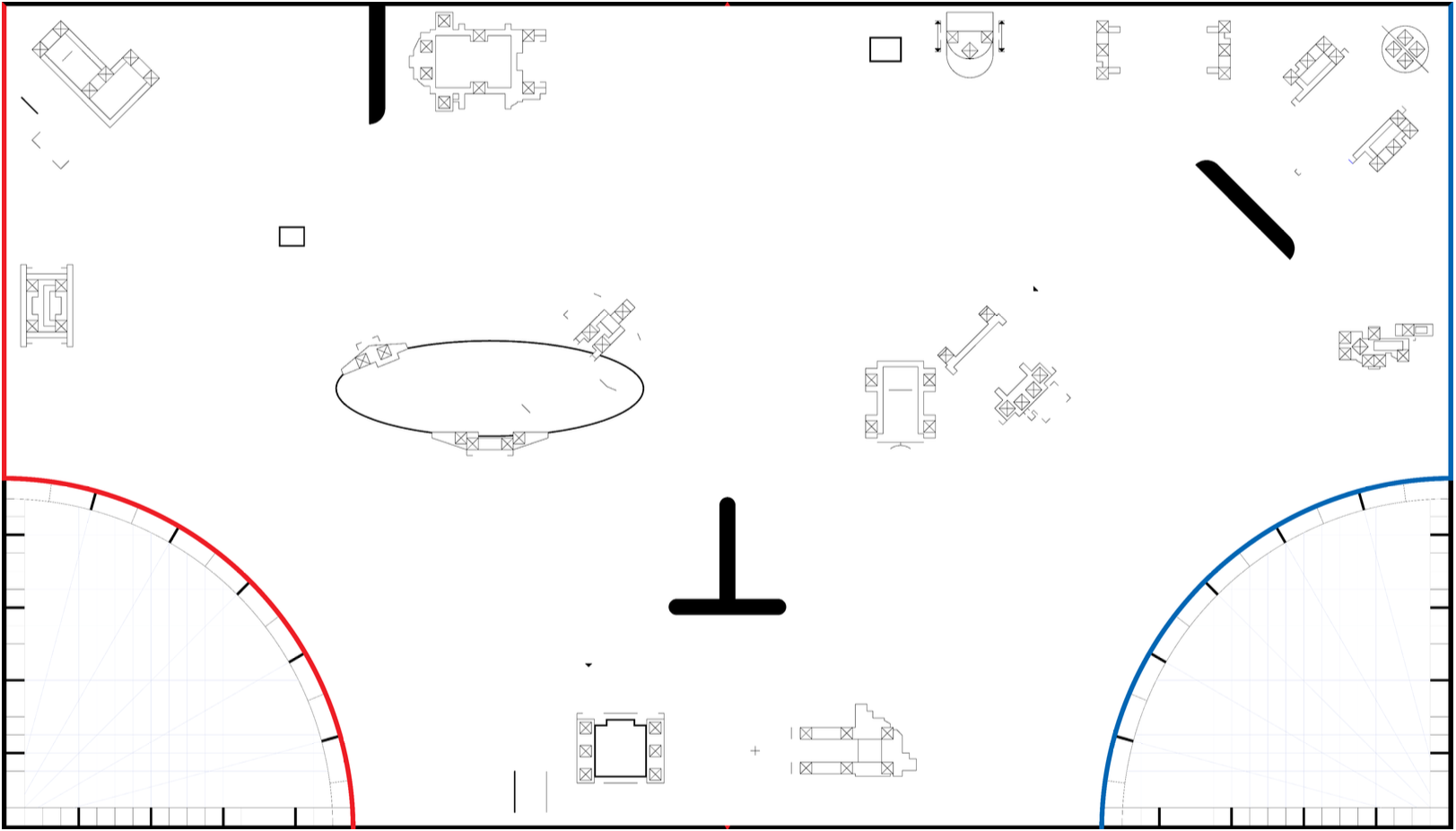
Robot: (0, 0) mm
Heading: 0°
Mouse: (-, -) mm
Δ: (-, -) | - mm
Robot Commands
DriveBase API Reference
Setup
place(x, y, heading)
Place robot at (x, y) mm. Heading: 0° = right, -90° = up/forward, 90° = down.
Movement Commands
straight(distance)
Drive straight for distance mm. Positive = forward, negative = backward.
turn(angle)
Turn in place by angle degrees. Positive = right (CW), negative = left (CCW).
curve(radius, angle)
Robot center traces an arc around a pivot point.
radius: distance from robot center to pivot. Positive = pivot RIGHT, negative = pivot LEFT.
angle: degrees to travel. Positive = forward around arc.
Tip: radius = 60mm (half axle track) → one wheel stays still!
arc(radius, angle)
Alias for curve().
Settings
speed(mm_per_sec)
Set movement speed for animation (default: 100 mm/s).
color(colorName)
Set robot trail color: "red", "blue", "green", "orange", etc.
Field & Heading
Table: 2438 × 1219 mm (8' × 4')
Origin (0,0): Bottom-left corner
Heading: 0=right, -90=up, 90=down, ±180=left